
By Siddhi Mehta
08 Oct 2026
Anyone who has set up a research environment knows the ritual. You provision the machine, sort out drivers, install your tools, configure authentication, and only then start the actual work. Adding an AI coding agent usually means another round of installs, logins, and "why can't it see my files?" debugging.
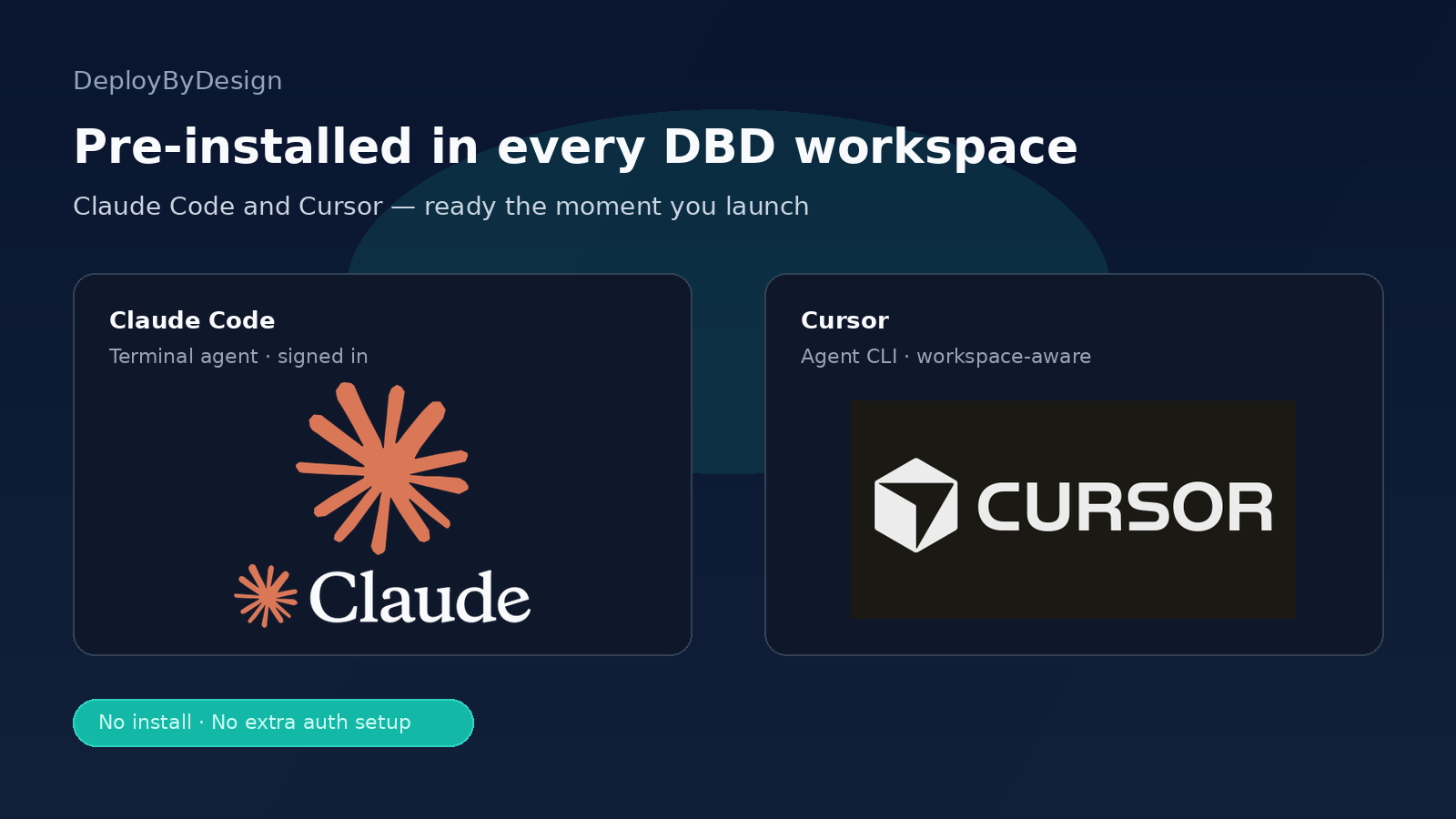
We think that setup tax shouldn't exist. Starting today, Claude Code and Cursor come pre-installed in every DeployByDesign workspace.
Every DeployByDesign workspace now ships with two of the most capable AI coding agents available:
Claude Code is Anthropic's agentic coding tool. It's signed in and ready in every workspace terminal, so you can open a terminal and start delegating tasks right away.
Cursor is Cursor's AI agent. It's pre-installed and pointed at your workspace files from the first login, so it already knows where your project lives.
Both are part of the workspace itself, so you don't install or configure anything first.
DeployByDesign workspaces are built for research: GPU and CPU environments running JupyterLab, RStudio, VS Code, and MLflow, provisioned in minutes with no cluster to configure and no CUDA drivers to install. AI agents fit naturally into that picture.
Research code has a way of piling up in notebooks, scripts, and half-finished pipelines. Pre-installed agents can help with the work that slows researchers down:
Because the agents run inside your workspace, next to your data, code, and compute, they work with your real project and not a copy-pasted fragment of it.
We included both tools on purpose, because people work differently.
Reach for Claude Code when you want to delegate. It's terminal-native and agentic: describe a goal, let it plan and make changes across files, and review the result. It's a good fit for multi-step tasks, repo-wide changes, and long-running work.
Reach for Cursor when you want to stay close to the code. It's pointed at your workspace files from the first login, so it suits interactive, editor-centered work where you're reading, editing, and iterating alongside the agent.
Many people will use both, for example Claude Code for a large refactor and Cursor for fine-tuning the details afterward. Having both ready means you can pick whichever fits the task.
Launch a workspace from DeployByDesign as you normally would.
Open a terminal and run claude to start Claude Code.
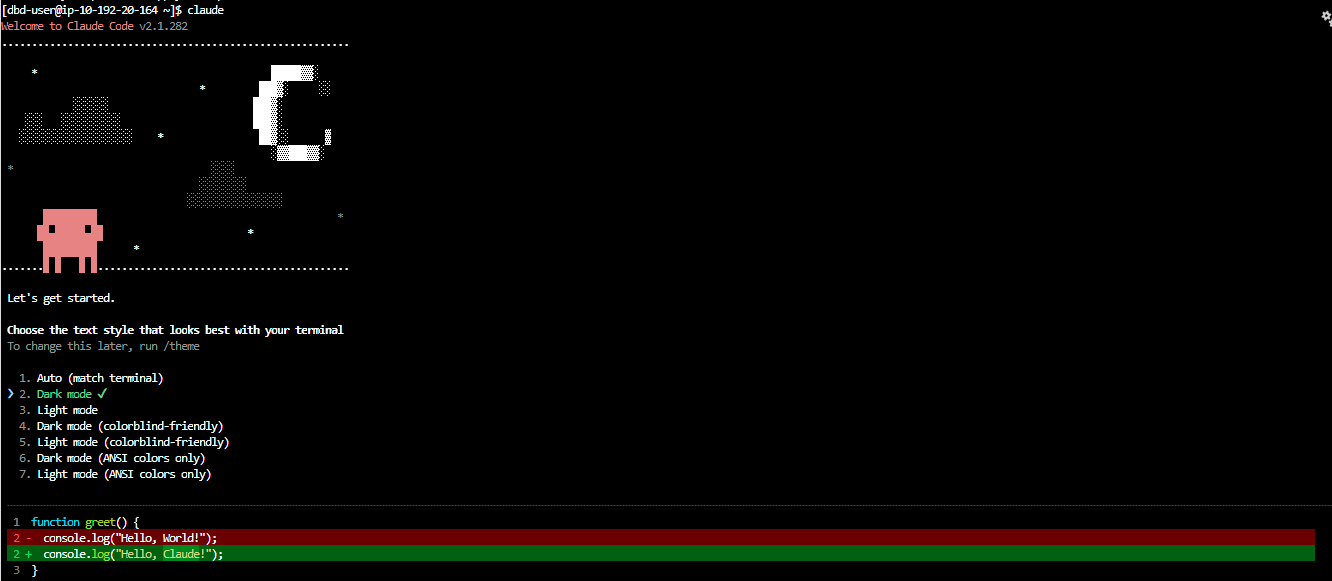
Or run agent to start the Cursor Agent against your workspace files.
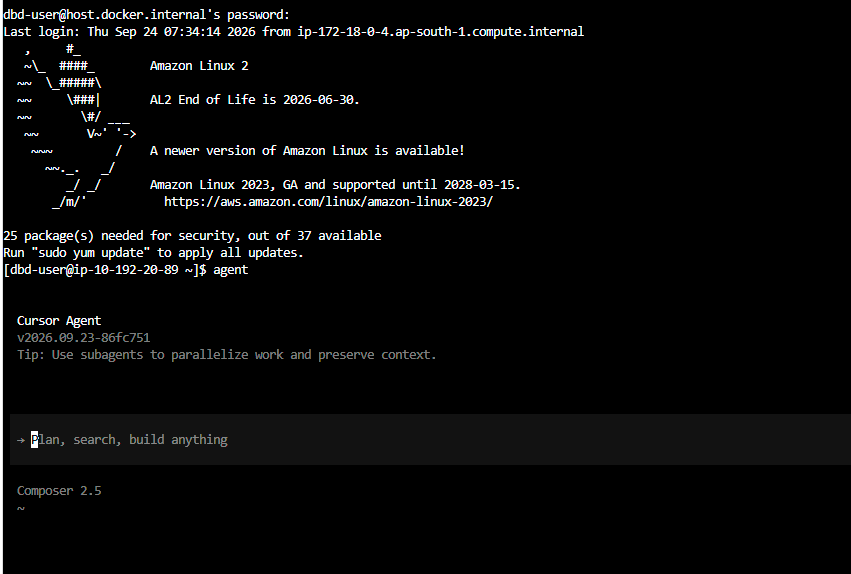
Start working. There's nothing to install or configure.
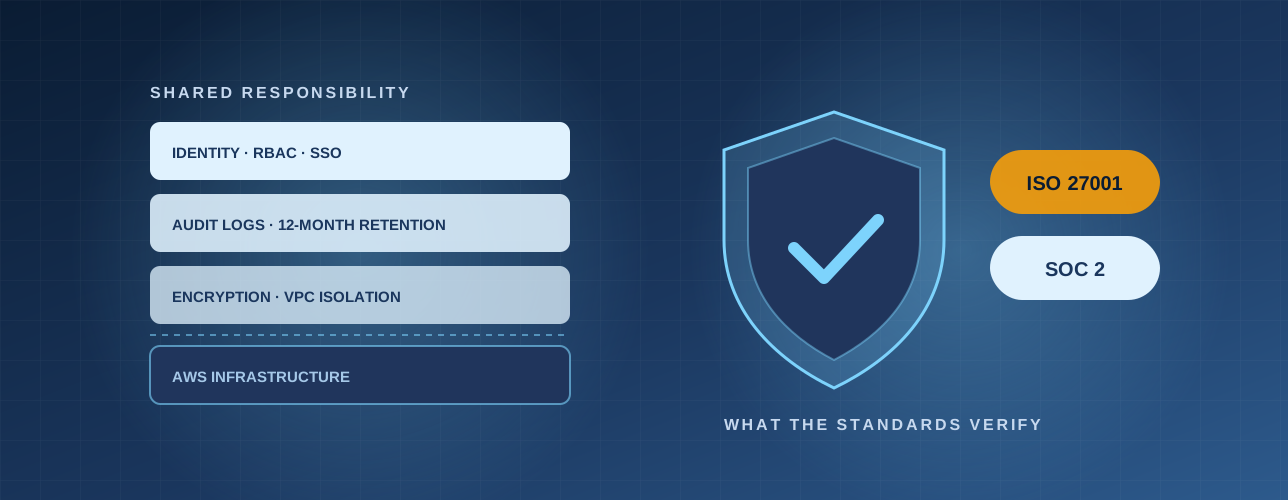
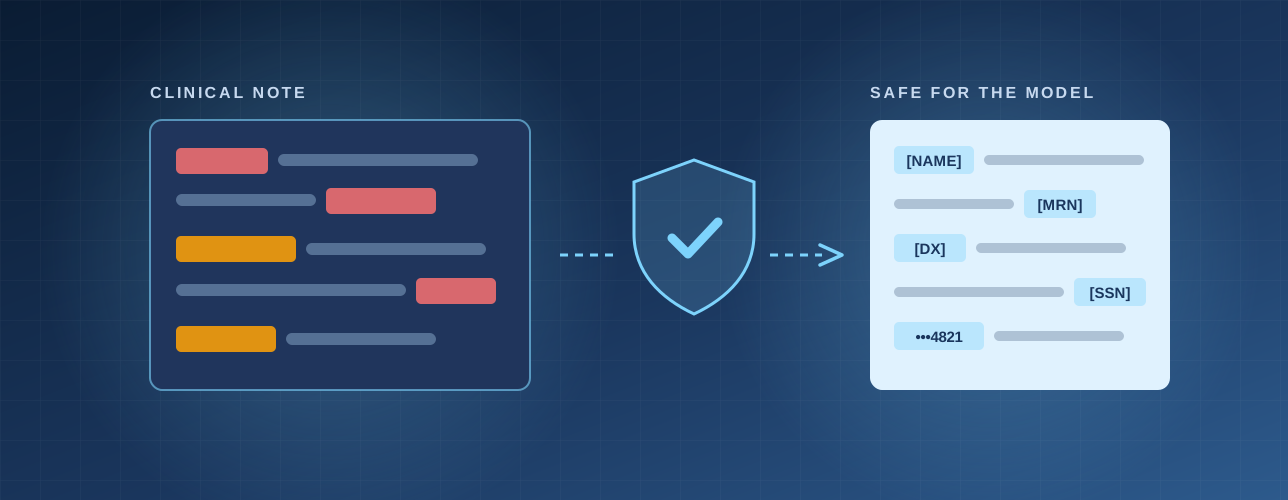
Handing code and data to AI agents raises fair questions about control and privacy, especially in research. DBD Agents is built around the idea of trusted AI agents for research workspaces. Keep the usual good habits: review what agents change, keep sensitive data under your own governance policies, and treat agent output like any collaborator's contribution, which means verifying it.
Your workspace should be ready to work when you are. With Claude Code and Cursor pre-installed in every DeployByDesign workspace, you can go from launch to AI-assisted research without the setup.